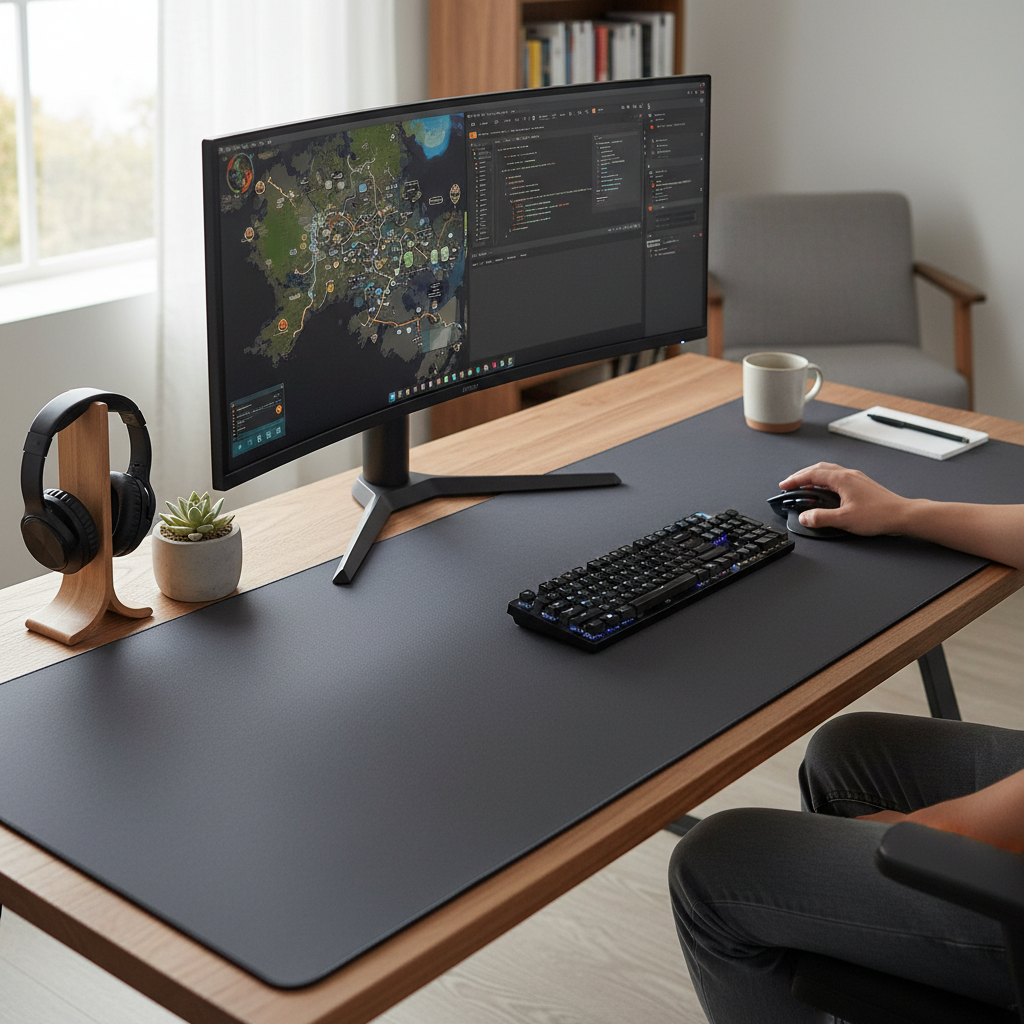
Navigating a multiple monitor setup demands a seamless and expansive workspace. The common frustration of a mouse running off the edge of a standard pad, especially when transitioning between screens, can severely hinder both productivity and gaming performance. A dedicated large mouse pad, often referred to as an extended desk mat, eliminates these boundaries, providing a unified surface that caters to the extensive range of motion required by multi-monitor users. This comprehensive guide will help you understand the benefits, features, and selection criteria for choosing the best large mouse pad to transform your multi-screen environment into an arena of unrestricted movement and superior control.
The Perfect Large Mouse Pad: A Comprehensive Guide
Choosing the right large mouse pad is more than just selecting an accessory; it’s about investing in the foundation of your multi-monitor workstation or gaming battle station. It brings together your peripherals, enhances comfort, and elevates the overall functionality and aesthetic of your desk.
Large Mouse Pad Dimensions: Why Bigger Surfaces Enhance Multi-Monitor Experiences
Why is a large mouse pad, also known as an extended desk mat, an indispensable upgrade for a multi-monitor setup? The answer lies in the unhindered freedom of movement it provides. When working or gaming across multiple screens, your mouse often travels significant distances. A conventional mouse pad limits this movement, forcing you to constantly reposition your hand or lift the mouse, disrupting workflow and concentration. A large pad covers a much greater area, allowing for smooth, sweeping motions from one monitor edge to the other without interruption.
The benefits extend beyond mere space. For gamers, especially those who prefer low DPI settings for precision in FPS games, a larger surface is crucial for making broad, accurate movements. Professionals and creators also experience enhanced comfort and reduced wrist strain during long sessions, as their arms and wrists have a cushioned surface to rest on. Furthermore, a large mouse pad unifies the desk aesthetic, providing a clean, cohesive look that houses both your keyboard and mouse, protecting your desk from scratches and spills.
Common dimensions for large mouse pads include:
- Extended (XL/XXL): Typically around 900x400mm (35.4″ x 15.7″) to 45×95 cm (17.7″ x 37.4″) which comfortably accommodates a full-sized keyboard and mouse.
- Larger Extended (3XL/4XL/5XL): Can range from 60×120 cm (23.6″ x 47.2″) up to 48.3″ x 24.2″, often covering most of the desk.
- For dual monitor setups, mats around 61 x 91 cm (24″ x 35.8″) or 45 x 127 cm (17.7″ x 50″) are often recommended for generous working space.
|
Our Picks for the Best Large mouse pad in 2026
As an Amazon Associate I earn from qualifying purchases.
|
||
| Num | Product | Action |
|---|---|---|
| 1 | SteelSeries QcK Gaming Mouse Pad - XXL Cloth - Peak Tracking and Stability - Esports Mousepad - Never-Slip - Full Desk Coverage |

|
| 2 | SteelSeries QcK Large Gaming Mousepad — Black — Non-Slip Silicone Rubber Base — Peak Tracking and Stability — Optimized for Gaming Sensors — 490 mm x 420 mm — FPS, MOBAs, RTS, MMO |
|
| 3 | Amazon Basics Large Extended Computer Rectangular Mouse Pad, 16.7 x 35.7 inch, Black |
|
| 4 | Aothia Non-Slip Waterproof PU Leather Desk Pad Protector for Mouse, Writing Desk, Office, Home, Laptop Blotter, 23.6" x 13.7", Black |
|
| 5 | Mouse Pad, Large Gaming Mouse Pad with Double Stitched Edges, 14.9 x 11.7 inches Premium-Textured & Waterproof Mousepad, Nonslip Natural Rubber Base Mouse pad for Laptop,Computer, Office, Black |
|
| 6 | Large Gaming Mouse Pad, 31.5x15.7 inch Large Extended Computer Keyboard Mouse Mat, Water Resist Non-Slip Mousepad Rubber Base Long XXL Desk Mouse Pad for Work & Gaming, Office & Home, Black |
|
| 7 | Razer Gigantus V2 Cloth Gaming Mouse Pad (XXL): Thick, High-Density Foam - Non-Slip Base - Classic Black |
|
| 8 | Large Extended Gaming Mouse Pad with Stitched Edges, (31.5X15.7In) Durable Non-Slip Natural Rubber Base, Waterproof Computer Keyboard Pad Mat for Esports Pros/Gamer/Desktop/Office/Home-Black |
|
| 9 | TEDNETGO Large Gaming Mouse Pad, Waterproof Extra Large Big Mouse Pad with Stitched Edge, XXL Non-Slip Black Computer Long Mousepad Desk Mat for Gamer, Office & Home, Black |
|
| 10 | KTRIO Large Gaming Mouse Pad Desk Mat, Superior Micro-Weave Cloth for Precise Mouse Control, Non-Slip Rubber Base, Stitched Edges, Water-Resistant, for Gamer, Office & Home, 31.5" x 11.8" inches |
|
These larger sizes are ideal for a diverse range of users, from hardcore gamers requiring swift, expansive movements to professionals seeking a more organized and comfortable workspace.
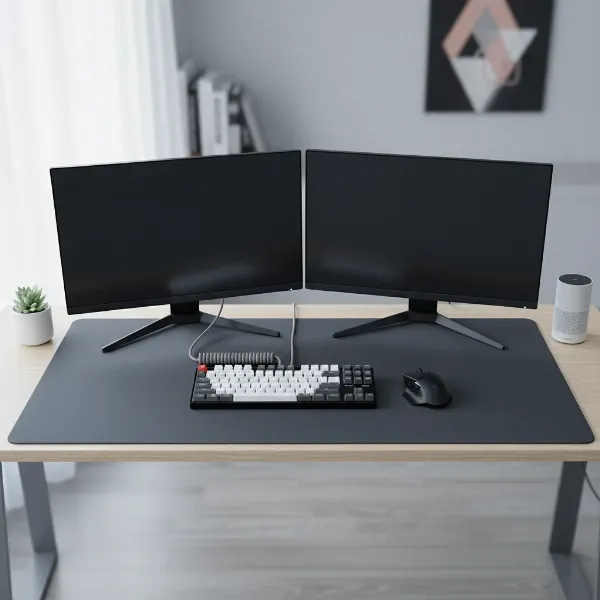 A sleek, extended large mouse pad perfectly fitting under a multiple monitor setup, keyboard, and mouse, with a focus on seamless navigation and organized aesthetics.
Surface Types for Large Mouse Pads: Speed, Control, and Durability
The surface material of your large mouse pad significantly impacts your mouse’s glide and overall performance, a critical factor when dealing with the broad movements required across multiple monitors. Different surfaces cater to distinct preferences and use cases.
Cloth Surfaces:
These are the most common and versatile. They typically feature a micro-woven fabric that offers a balance of speed and control.
- Pros: Excellent precision and stopping power, comfortable for long sessions, quiet operation, generally more affordable. Often preferred by FPS gamers who need fine motor control. Many are hand-washable.
- Cons: Can be slower for rapid movements, may absorb spills if not treated, and can accumulate dirt over time, requiring more frequent cleaning.
- Examples: SteelSeries QcK series, Razer Gigantus V2.
Hard Surfaces (Plastic/Glass):
These pads are designed for maximum speed and minimal friction, allowing for extremely fast glides.
- Pros: Very fast mouse movement, highly durable, extremely easy to clean (spills wipe right off), and offer consistent tracking. Ideal for MOBA or RTS gamers who require quick, sweeping motions.
- Cons: Can be noisy, less comfortable for resting wrists and arms, and generally more expensive. They offer less control and stopping power than cloth pads. Some models might have slightly sharp edges.
- Examples: Logitech G440 Hard, Skypad Mousepad 3.0, Razer Atlas.
Hybrid Surfaces:
A newer category, hybrid pads aim to combine the best of both worlds—the speed of a hard pad with some of the control and comfort of a cloth pad. They often have a slightly textured yet slick surface.
- Pros: Offer a good balance between speed and control, durable, and often water-resistant, making them easier to clean than pure cloth pads.
- Examples: Razer Strider Chroma.
For multi-monitor users, consistency across the entire surface is paramount, regardless of the material. This ensures that your mouse performs predictably whether you’re working on the left-most monitor or the right-most.
Materials and Build Quality of Large Mouse Pads: Ensuring Lasting Comfort
Beyond the surface, the underlying materials and construction of a large mouse pad are crucial for its stability, durability, and ergonomic benefits. High-quality materials ensure that your investment stands the test of time and enhances your daily computer usage.
Natural Rubber Base:
A robust, anti-slip rubber base is non-negotiable for any large mouse pad. This material provides superior grip, preventing the mat from sliding or shifting during intense gaming sessions or vigorous work. It keeps your keyboard and mouse securely in place, even with rapid movements.
Edge Stitching:
High-quality large mouse pads often feature stitched edges. This reinforcement prevents fraying and peeling, common issues with untreated edges over time, significantly extending the lifespan of the pad. It also contributes to a cleaner, more premium aesthetic.
Thickness:
Mouse pads come in various thicknesses, typically ranging from 2mm to 6mm or more.
- Thinner pads (2-3mm): Offer a firmer surface, which some prefer for speed and a direct feel.
- Medium pads (4mm): Often considered the sweet spot, providing a balance of comfort and precision. This thickness offers adequate cushioning for wrists and forearms, reducing fatigue during extended use, without feeling overly squishy or hindering mouse glide.
- Thicker pads (5mm+): Provide maximum cushioning and comfort, but can sometimes feel slower or create a slight ramp effect at the edges.
Other Materials:
While fabric and rubber are dominant, other materials like leather, cork, or even specialized plastics can be used for the surface or core of a desk mat, each offering different aesthetics, tactile feedback, and durability. However, for performance and comfort, the combination of a smooth, consistent top surface and a grippy rubber base remains the industry standard.
Leading Large Mouse Pad Brands and Models for Multi-Monitor Users
The market offers a wide array of large mouse pads, with several brands consistently delivering high-quality options suitable for multi-monitor setups. Here’s a look at some of the leading brands and their notable models:
- SteelSeries: Renowned for its durable and performance-oriented mouse pads. The QcK series (including QcK Heavy, XXL, 3XL, 4XL, 5XL) features a micro-woven cloth surface that balances control and speed. These pads are highly regarded for their consistent tracking and non-slip rubber bases. The QcK Heavy is particularly noted for its durability and thicker cushioning.
- Razer: Known for its gaming-centric peripherals, Razer offers large mouse pads with various features. The Goliathus Extended Chroma provides an expansive cloth surface with customizable RGB lighting, ideal for tying together a gaming aesthetic. The Razer Strider Chroma is a hybrid pad, offering a slicker, faster surface than traditional cloth while maintaining some control, and is water-resistant. The Razer Gigantus V2 comes in XXL sizes, focusing on a smooth, controlled glide.
- Corsair: Offers robust extended mouse pads like the MM300 Pro Extended and MM200 Pro Heavy XL. These typically feature spill-resistant cloth surfaces and thick rubber bases for stability and comfort.
- Cooler Master: The MP511 series is praised for its quality. The XL and XXL versions provide ample space, and the logo is often designed to be smooth, avoiding interference with mouse movement.
- Logitech: While primarily known for its mice and keyboards, Logitech also offers quality hard pads like the G440 Hard, which provides a low-friction surface for fast movements, though it’s a smaller “large” option.
- X-raypad: The Aqua Control+ is a popular choice for those seeking specific surface characteristics, offering various textures for different preferences in speed and control.
These brands often incorporate features like stitched edges, non-slip rubber bases, and in some cases, RGB lighting or specialized surface coatings to enhance durability and user experience.
Detailed Comparison Table: Top Large Mouse Pads for Your Setup
To help you visualize the differences, here’s a comparison of some popular large mouse pad models suitable for multi-monitor setups:
| Product Name | Size Range (Approx.) | Surface Type | Material (Top/Base) | Key Features | Pros | Cons |
|---|---|---|---|---|---|---|
| SteelSeries QcK 3XL/4XL | 1200x590mm / 1600x800mm | Cloth | Micro-woven cloth/Rubber | High-density weave, non-slip base | Excellent control, durable, wide size range | Can collect dust, requires washing |
| Razer Strider Chroma | 900x400mm (Extended) | Hybrid | Textured fabric/Rubber | Water-resistant, RGB lighting | Speed & control balance, easy to clean | Only one size available |
| Corsair MM300 Pro Extended | 930x300mm (Extended) | Cloth | Micro-weave fabric/Rubber | Spill-resistant, anti-fray stitched edges | Durable, good control, protects desk | Slightly narrower than some alternatives |
| Cooler Master MP511 XXL | 1220x610mm (48.3″ x 24.2″) | Cloth | Cordura fabric/Rubber | Durable, smooth logo, good tracking | Exceptional durability, consistent glide | Cordura texture might not suit all users |
| Razer Gigantus V2 XXL | 940x410mm (37″ x 16.14″) | Cloth | Micro-weave fabric/Rubber | Textured for precision, thick rubber foam | Enhanced control, thick cushion for comfort | Branding might be prominent for some |
| Logitech G440 Hard | 340x280mm (13.4″ x 11″) | Hard | Polypropylene/Rubber | Low-friction, consistent surface | Very fast glide, extremely easy to clean | Smaller “large” size, less comfort |
Essential Buying Considerations for Your Large Mouse Pad
Choosing the ideal large mouse pad for your multi-monitor setup involves more than just picking the biggest option. Thoughtful consideration of your habits and environment will ensure you find a pad that genuinely enhances your experience.
-
Identify Your Usage Needs:
- Gaming: Do you play fast-paced FPS games requiring precise micro-adjustments and quick stops (favoring control surfaces), or high-DPI MOBA/RTS games where rapid, smooth movements are key (favoring speed surfaces)?
- Productivity/Work: For general computing, design, or coding, comfort, desk protection, and a clean aesthetic might be higher priorities.
- Mixed Use: Many users balance both, so a hybrid surface or a balanced cloth pad might be best.
-
Measure Your Desk Space:
This is perhaps the most critical step. Measure the available width and depth of your desk where you intend to place the mouse pad. Account for your monitor stands, keyboard, and any other peripherals. Leave a few centimeters of clearance on all sides to ensure the mat lays flat without hanging over the edges or being bunched up. For dual monitors, aim for widths that can comfortably span under both. -
Surface Preference (Speed vs. Control):
As discussed, cloth offers more control, hard surfaces offer more speed, and hybrid surfaces aim for a balance. Your personal preference and primary activity should guide this choice. -
Material Quality and Durability:
Look for features like a high-quality natural rubber non-slip base, and stitched edges to prevent fraying and ensure longevity. Consider if you need water-resistant materials for spill protection. -
Thickness:
A 4mm thick pad is a popular choice for its balance of comfort and a stable mousing surface. Thicker pads offer more cushioning, while thinner ones provide a firmer feel. -
Additional Features:
- RGB Lighting: Purely aesthetic, but can add a dynamic flair to your setup.
- Wireless Charging: Some advanced desk mats integrate wireless charging pads for your phone or compatible peripherals.
- Wrist Rest: While not typical for full desk mats, separate ergonomic wrist rests can be used.
- Spill Resistance: Important for protecting your desk and the pad itself from accidents.
-
Budget:
Large mouse pads vary in price significantly. Determine your budget and look for the best value that meets your essential criteria. Reviews from other users can be invaluable in assessing real-world performance and durability.
“Investing in a large mouse pad isn’t just about covering your desk; it’s about optimizing your entire interaction with your multi-monitor setup. The freedom of movement and consistent surface quality can dramatically reduce fatigue and elevate your precision.” – Admin, Reviewdor.com
Maintaining Your Large Mouse Pad: Tips for Longevity and Performance
A large mouse pad is a significant component of your workspace, and proper care ensures it remains in top condition, delivering consistent performance and a clean aesthetic.
Regular Cleaning for Cloth Pads:
Cloth mouse pads can accumulate dust, dirt, and skin oils over time, which can affect mouse tracking.
- Routine: For daily maintenance, a soft brush or a lint roller can quickly remove surface debris.
- Deeper Clean: Every few months, or when noticeable dirt builds up, hand washing is recommended. Use mild soap (like dish soap or gentle shampoo) and lukewarm water. Gently scrub the surface with a soft sponge or cloth. Rinse thoroughly to remove all soap residue.
- Drying: Crucially, allow the pad to air dry completely by laying it flat. Do not put it in a washing machine or dryer, as this can damage the rubber base and surface. Hanging it vertically can also cause warping. Many cloth pads are hand-washable, maintaining their micro-woven surface.
Cleaning Hard and Hybrid Surfaces:
These materials are generally easier to maintain due to their less porous nature.
- Routine: A simple wipe-down with a damp cloth (and mild soap if necessary) is usually sufficient to remove dust, fingerprints, and spills.
- Spills: Wipe up spills immediately to prevent any potential staining, although most hard and hybrid surfaces are highly resistant.
Dealing with Stubborn Stains:
For tougher stains on cloth pads, a diluted solution of rubbing alcohol or a specialized fabric cleaner can be carefully applied to the affected area before a full hand wash. Always spot-test on an inconspicuous area first.
Proper Storage and Flattening:
- Flattening New Pads: When unboxing a new large mouse pad, especially if it was rolled, it might not lay perfectly flat immediately. Place heavy books or other flat objects on it overnight to help it flatten out.
- Long-Term Storage: If you need to store your large mouse pad, roll it loosely with the playing surface facing outwards to prevent permanent creases. Avoid folding it, as this can create irreversible damage.
By following these maintenance tips, your large mouse pad will continue to provide a smooth, clean, and stable surface for your multi-monitor setup for years to come.
Conclusion
The quest for the best large mouse pad for multiple monitor setups culminates in recognizing its transformative power. Beyond being a simple accessory, an extended desk mat is the silent workhorse that unifies your workspace, provides unrestricted mouse movement across your screens, and shields your valuable desk surface. It’s an investment in comfort, precision, and an aesthetically pleasing environment, whether you’re battling virtual foes or tackling complex work projects. From the expansive glide of cloth to the rapid response of hard surfaces, and the robust stability of a non-slip base, the right large mouse pad enhances every interaction. By considering your specific needs, measuring your space meticulously, and understanding the nuances of surface materials and build quality, you can choose a large mouse pad that not only meets but exceeds your expectations.
Are you ready to unlock the full potential of your multi-monitor setup with the perfect large mouse pad?
Frequently Asked Questions
What makes a mouse pad “large enough” for multiple monitors?
A mouse pad is considered large enough for multiple monitors when it provides an expansive, unified surface that allows for unrestricted mouse movement across all your screens without having to lift or reposition the mouse. This typically means an extended size that accommodates both your keyboard and mouse, offering consistent glide and control across a wide area.
Are desk mats and large mouse pads the same thing?
Yes, the terms “desk mat,” “extended mouse pad,” and “large mouse pad” are often used interchangeably to describe an oversized surface that covers a significant portion of your desk, accommodating both your keyboard and mouse. While traditional mouse pads are smaller and designed just for mouse movement, desk mats offer a broader functional and aesthetic coverage.
How do different surface types affect performance across multiple monitors?
Different surface types, such as cloth, hard, or hybrid, impact mouse performance across multiple monitors by altering speed and control. Cloth surfaces offer more friction for precise movements (good for FPS gaming), while hard surfaces provide minimal friction for rapid glides (ideal for MOBA gaming). Hybrid surfaces aim for a balance. Consistent performance across the entire mat is crucial for smooth transitions between screens.
Can a large mouse pad improve my productivity?
Absolutely. A large mouse pad improves productivity by providing a more comfortable and organized workspace. It allows for fluid mouse movements between multiple monitors, reduces clutter by defining your workstation, and offers a cushioned surface that can alleviate wrist and arm strain during long work sessions. This leads to a more efficient and focused workflow.
How often should I clean my large mouse pad?
The frequency of cleaning depends on the material and usage. For cloth large mouse pads, a light clean with a lint roller or brush weekly is good, with a deeper hand wash every few months or when noticeable dirt accumulates. Hard or hybrid surfaces can usually be wiped down with a damp cloth as needed, often weekly, due to their spill-resistant nature.
Is RGB lighting on a large mouse pad purely aesthetic?
For the most part, RGB lighting on a large mouse pad is purely aesthetic, designed to enhance the visual appeal of your gaming or work setup. It allows for custom lighting effects that can synchronize with other peripherals, creating an immersive atmosphere. While it doesn’t directly impact mouse performance, it contributes to the overall user experience and desk aesthetics.