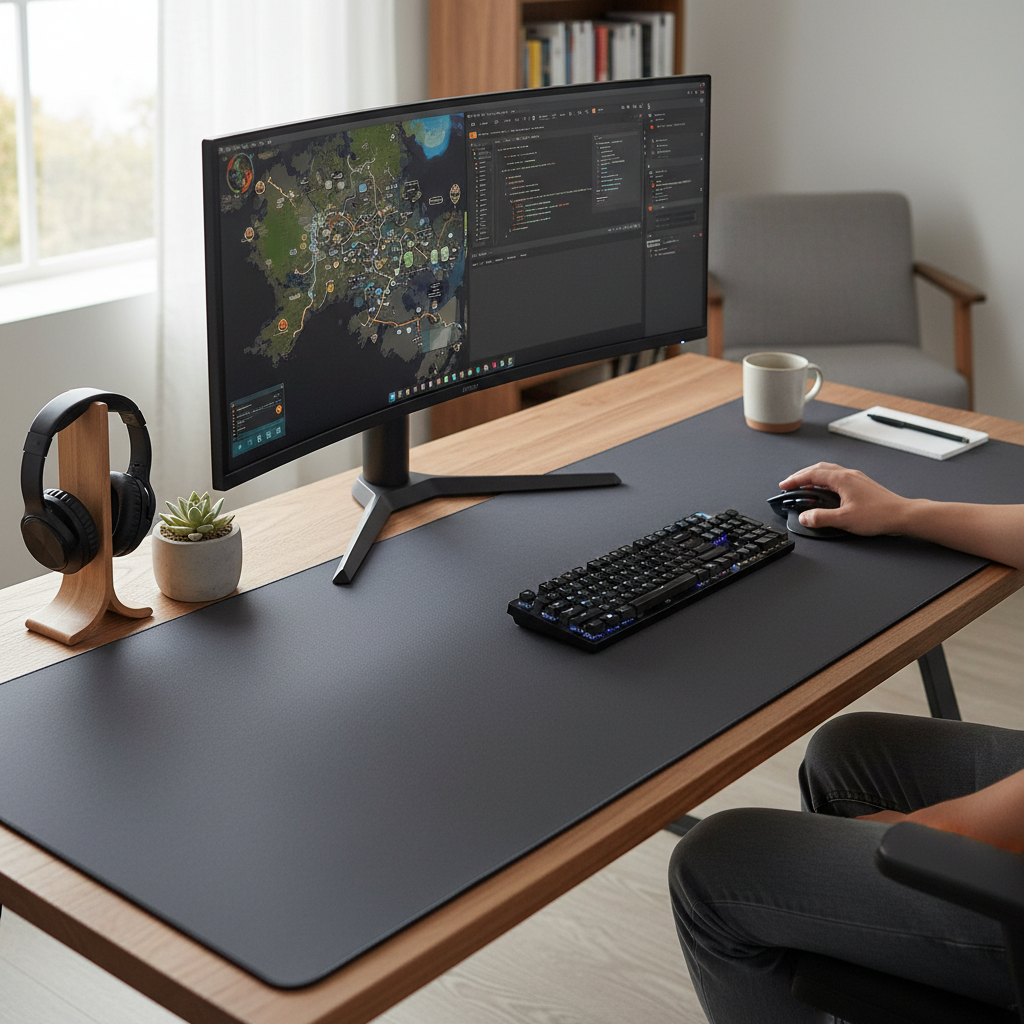
Have you ever wondered if that massive mouse pad covering your entire desk is just a trend or a genuine game-changer for your workflow or gameplay? As an experienced technician who has spent over a decade immersed in the world of mouse pads, especially the large variety, I can confidently tell you that the benefits extend far beyond mere aesthetics. From enhancing precision in competitive gaming to providing unparalleled comfort during marathon work sessions, a large mouse pad can significantly elevate your daily computer experience. This comprehensive guide will explore why upgrading to a large mouse pad might be one of the best decisions you make for your setup, delving into dimensions, materials, top brands, and essential buying tips to help you find your ideal companion.
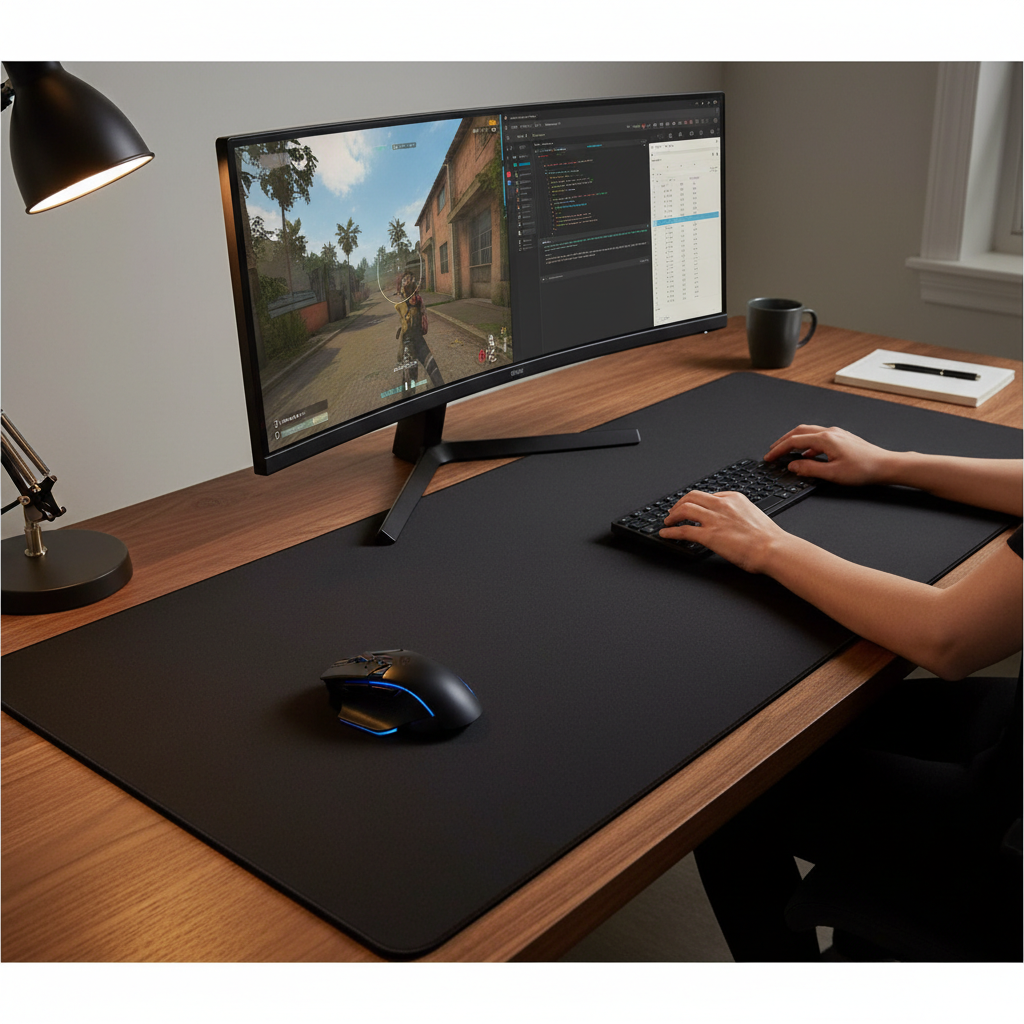
The Perfect Large Mouse Pad Choice: A Detailed Guide
Choosing the right large mouse pad is an investment in your comfort and performance. It’s not just about a bigger surface; it’s about creating an optimized environment for every click, swipe, and keystroke.
Large Mouse Pad Dimensions: Why Bigger is Better?
The shift towards larger mouse pads reflects an evolution in how we interact with our digital workspaces. Traditional mouse pads, typically around 9×7 inches, offered limited movement, but modern setups demand more expansive real estate. A large mouse pad provides ample space, preventing you from “running off the edge” during critical moments and offering a consistent surface for your mouse and keyboard alike.
The benefits of a larger surface are multifaceted:
- Enhanced Freedom of Movement: For gamers, especially those using low DPI settings for precise aim, a large mouse pad allows for broad, sweeping arm movements without needing to lift and reposition the mouse. This is crucial for maintaining accuracy and developing muscle memory.
- Keyboard and Accessory Stability: A large mouse pad acts as a stable foundation, preventing your keyboard from sliding and keeping all your peripherals neatly in place. This unified surface ensures consistency, particularly during intense gaming or typing sessions.
- Improved Ergonomics and Comfort: The cushioned surface of an extended mouse pad reduces pressure points on your wrists and forearms, promoting a more natural and comfortable posture. This can significantly reduce strain and fatigue during long hours of use, mitigating the risk of repetitive strain injuries.
- Desk Protection and Aesthetics: These mats protect your desk from scratches, spills, and wear, while also dampening keyboard noise. A large mouse pad can also unify your desk’s aesthetic, creating a clean, organized, and professional look.
|
Our Picks for the Best Large mouse pad in 2026
As an Amazon Associate I earn from qualifying purchases.
|
||
| Num | Product | Action |
|---|---|---|
| 1 | Large Gaming Mouse Pad, 31.5x15.7 inch Large Extended Computer Keyboard Mouse Mat, Water Resist Non-Slip Mousepad Rubber Base Long XXL Desk Mouse Pad for Work & Gaming, Office & Home, Black |

|
| 2 | Mouse Pad, Large Gaming Mouse Pad with Double Stitched Edges, 14.9 x 11.7 inches Premium-Textured & Waterproof Mousepad, Nonslip Natural Rubber Base Mouse pad for Laptop,Computer, Office, Black |
|
| 3 | SteelSeries QcK Gaming Mouse Pad - XXL Cloth - Peak Tracking and Stability - Esports Mousepad - Never-Slip - Full Desk Coverage |
|
| 4 | TEDNETGO Large Gaming Mouse Pad, Waterproof Extra Large Big Mouse Pad with Stitched Edge, XXL Non-Slip Black Computer Long Mousepad Desk Mat for Gamer, Office & Home, Black |
|
| 5 | Large Extended Gaming Mouse Pad with Stitched Edges, (31.5X15.7In) Durable Non-Slip Natural Rubber Base, Waterproof Computer Keyboard Pad Mat for Esports Pros/Gamer/Desktop/Office/Home-Black |
|
| 6 | SteelSeries QcK Large Gaming Mousepad — Black — Non-Slip Silicone Rubber Base — Peak Tracking and Stability — Optimized for Gaming Sensors — 490 mm x 420 mm — FPS, MOBAs, RTS, MMO |
|
| 7 | Aothia Non-Slip Waterproof PU Leather Desk Pad Protector for Mouse, Writing Desk, Office, Home, Laptop Blotter, 23.6" x 13.7", Black |
|
| 8 | KTRIO Large Gaming Mouse Pad Desk Mat, Superior Micro-Weave Cloth for Precise Mouse Control, Non-Slip Rubber Base, Stitched Edges, Water-Resistant, for Gamer, Office & Home, 31.5" x 11.8" inches |
|
| 9 | Razer Gigantus V2 Cloth Gaming Mouse Pad (XXL): Thick, High-Density Foam - Non-Slip Base - Classic Black |
|
| 10 | Amazon Basics Large Extended Computer Rectangular Mouse Pad, 16.7 x 35.7 inch, Black |
|
Common large mouse pad dimensions range from 15-18 inches wide by 12-15 inches tall for “large” sizes, while “extended” or “desk mat” options can stretch from 24 to 48 inches wide by 12 to 20 inches deep. A popular sweet spot for many users is around 36×18 inches, offering extensive coverage without overwhelming the desk.
Who should consider a large mouse pad? Competitive gamers, remote workers spending long hours at their desks, creative professionals with multiple peripherals, and anyone seeking enhanced comfort or a more organized workspace will find significant value in these oversized mats.
Types of Large Mouse Pad Surfaces: Pros and Cons
The surface of a mouse pad is critical, dictating the glide, control, and overall feel. Different materials offer distinct advantages based on your usage needs.
-
Cloth Surfaces: These are widely popular, known for their smooth and consistent tracking. Cloth pads often provide excellent control, making them favored by gamers who require precise, pixel-perfect movements, such as those in tactical shooters. They are also comfortable and generally portable, as they can be rolled up. However, cloth pads may have a shorter lifespan and require more frequent cleaning.
- Speed Cloth (e.g., Polyester): Offers low friction and an ultra-fast glide, ideal for competitive gamers needing swift movements and low DPI setups.
- Control Cloth (e.g., Dense Fabric): Features a tighter weave for more tactile feedback and precise cursor control, preferred by artists or gamers needing accuracy.
- Waterproof Cloth: Treated with water-resistant coatings, offering protection against spills without compromising tracking.
-
Hard Surfaces: Typically made from materials like plastic, aluminum, or glass, hard mouse pads are characterized by their smooth, low-friction finish, providing maximum speed and precision. They are durable and easy to clean, but can wear down mouse skates faster and might be noisy, particularly glass options. The Razer Atlas, made of tempered glass, exemplifies a hard surface, offering a low-friction glide with an oleophobic coating.
-
Hybrid Surfaces: These surfaces aim to combine the best aspects of both cloth and hard pads, offering a balance of speed, control, comfort, and durability. The Razer Strider Chroma, with its polyester hybrid surface, is designed to be slicker than cloth while retaining enough texture for controlled movements.
The choice between speed and control surfaces is a common dilemma. Speed surfaces allow for quick, effortless mouse movements, suitable for high-sensitivity gaming. Control surfaces, with their textured finish, offer greater resistance, enhancing precision for lower sensitivity settings.
Large Mouse Pad Materials: Durability and Comfort
Beyond the surface type, the underlying materials contribute significantly to a large mouse pad’s durability, comfort, and stability.
- Natural Rubber: Often used for the base layer, natural rubber provides excellent grip, preventing the mouse pad from sliding on your desk. It also offers good elasticity and a comfortable cushion.
- Synthetic Rubber: A more affordable alternative, synthetic rubber bases still offer decent grip and durability, making them common in budget-friendly options.
- Other Materials:
- Gel/Memory Foam: Integrated into some pads or separate wrist rests, these materials provide superior cushioning, conforming to your wrist for extended comfort and pressure relief.
- Fiber Braided: Known for wear resistance and smooth gliding, suitable for demanding gaming and high-precision tasks.
- Leather: Offers a premium feel and aesthetic, though performance characteristics might vary.
- Metal: (e.g., Aluminum) Provides a durable, rigid, fast surface, though less common for full-desk pads.
The thickness of the mouse pad also impacts comfort and feel. Standard pads are typically 2-3mm, while premium extended desk mats can be 4-5mm thick, offering more wrist comfort and helping to smooth out minor desk imperfections.
Comparing Popular Large Mouse Pad Brands
The market for large mouse pads is robust, with several key brands consistently delivering high-quality products.
- SteelSeries: Renowned for their durable and performance-oriented gaming peripherals. The SteelSeries QcK Heavy is a popular choice, known for its thick micro-woven cloth surface, durability, stability, and affordability. It’s hand-washable and comes in various sizes, including XXL.
- Razer: A leader in gaming gear, Razer offers a range of large mouse pads, often with a focus on cutting-edge features and aesthetics.
- Razer Firefly V2 Pro: Features a hard, micro-textured plastic surface with the world’s first RGB backlighting, offering speed and a unique visual appeal.
- Razer Strider Chroma: A hybrid polyester surface that balances speed and control, complete with 19 RGB lighting zones and seamless edges.
- Razer Atlas: A tempered glass mouse pad designed for extreme speed with a low-friction, oleophobic coating.
- Corsair: Offers robust and comfortable large mouse pads. The Corsair MM350 is an extended XL cloth mouse pad praised for its thick, anti-fray surface that provides a luxurious feel and excellent stability.
- Logitech: Known for reliable and well-designed peripherals. While specific large desk mats were not detailed extensively in the browsed brand reviews, Logitech generally offers quality accessories that often include larger mouse pad options in their product lines.
- HyperX: Focuses on gaming performance and comfort. The HyperX Pulsefire is an XL textured cloth mouse mat with two customizable RGB zones and a touch sensor for easy control.
- Skypad: Specializes in hard-surface mouse pads, particularly glass. The Skypad Mousepad 3.0 is available in various sizes (Regular, XL) and offers a durable, easy-to-clean glass surface for fast, accurate tracking.
“The right mouse pad isn’t just an accessory; it’s an extension of your input device, crucial for consistent performance, whether you’re clicking heads or crunching numbers.” – Reviewdor Admin, Large Mouse Pad Expert
Detailed Comparison Table for Large Mouse Pad Models
| Product Name | Size (mm) | Surface Type | Material | Price Range (USD) | Pros | Cons |
|---|---|---|---|---|---|---|
| SteelSeries QcK Heavy | 450 x 400 x 5 | Micro-woven Cloth | Cloth, Rubber Base | $12 – $30 | Thick, durable, stable, affordable, washable, precise control. | Can take time to flatten initially, no RGB. |
| Razer Strider Chroma | 900 x 370 x 4 | Hybrid (Polyester) | Polyester, Rubber Base | $80 – $130 | Balances speed & control, 19 RGB zones, seamless edges, water-resistant, thick non-slip base. | Expensive, RGB discoloration over time reported, not as slick as pure hard surfaces. |
| Razer Atlas | 450 x 400 x 5 | Hard (Glass) | Tempered Glass, Rubber Base | $99 – $120 | Extremely low friction for speed, easy to clean (oleophobic), precise tracking, durable. | Expensive, rigid (not portable), can feel cold, susceptible to skin oils, too large for some desks. |
| Corsair MM350 | 900 x 400 x 4 | Anti-fray Cloth | Cloth, Rubber Base | $35 – $50 | Thick, durable, stable, affordable, luxurious feel, non-slip base, multiple styles (plain black available). | Distressed gunmetal gray style not for everyone (though plain black now exists). |
| HyperX Pulsefire | 900 x 420 x 4 | Textured Cloth | Cloth, Rubber Base | $40 – $60 | Comfortable, tight grip, 2 RGB zones with touch sensor, silicone shielded edges. | Too large for some desks, limited RGB zones compared to competitors, sparse game integration. |
| Skypad Mousepad 3.0 | 350 x 300 x 3.5 (Regular), 500 x 400 x 3.5 (XL) | Hard (Glass) | Glass | $90 – $120 | Durable, easy to clean, fast and accurate tracking, multiple sizes, good stopping power. | Expensive, rigid (not portable), less smooth than Razer Atlas, glass surface can be cold. |
This table highlights that while all these brands offer excellent large mouse pads, their strengths lie in different areas, catering to varying preferences for surface type, features like RGB, and price point.
Large Mouse Pad Buying Guide: Important Considerations
Navigating the vast array of large mouse pads can be daunting. Here are key factors to consider to ensure you select the best one for your needs:
- Identify Your Primary Use: Are you a competitive gamer needing precise control and speed, a professional working long hours, or a casual user seeking comfort and aesthetics? Your primary activity heavily influences the ideal surface type and size.
- Measure Your Desk Space: This is paramount. Ensure the mouse pad’s dimensions complement your desk, leaving enough room for monitors, speakers, and other peripherals without causing clutter or hanging off the edges. A pad that is too large can overwhelm a small setup, while one that is too small defeats the purpose of an extended surface.
- Consider Surface Material and Type:
- For speed, look for hard or hybrid surfaces (e.g., tempered glass, smooth plastic, specific polyester weaves).
- For control and precision, opt for densely woven cloth surfaces.
- For a balanced feel, hybrid pads are an excellent compromise.
- Remember that hard surfaces can wear mouse skates faster than cloth.
- Evaluate Thickness: Thicker pads (4-5mm) offer more cushioning and comfort, which is beneficial for reducing wrist strain during prolonged use. Thinner pads (1-2mm) might offer a sleeker aesthetic and less resistance for speed.
- Read User Reviews and Expert Opinions: Real-world feedback can provide insights into durability, actual glide performance, and how a pad holds up over time. Check reviews from trusted sources like Tom’s Hardware, TechGearLab, and TechRadar.
- Compare Prices and Features: Higher price often correlates with premium materials, advanced features like extensive RGB lighting, and better durability. However, many affordable options offer excellent value. Balance your budget with the features most important to you, and consider the cost per hour of use for frequent users.
- Check for Edge Stitching and Base Grip: Stitched edges prevent fraying and increase durability. A robust, non-slip rubber base is essential to keep the pad firmly in place during intense use.
- RGB Lighting: If aesthetics are a priority, consider RGB mouse pads. Evaluate the number of lighting zones, customization options via software, and the quality of the lighting itself. Remember that RGB models require a USB connection.
How to Clean and Maintain a Large Mouse Pad
Regular cleaning and proper maintenance are crucial to ensure your large mouse pad performs optimally and lasts longer. Neglecting cleaning can lead to reduced performance due to oil and dirt buildup.
General Care and Spill Management:
- Avoid eating or leaving drinks directly on or near your mouse pad to prevent moisture and debris damage.
- In case of a spill, immediately dab the area with an absorbent, lint-free cloth or paper towel to soak up the liquid. Avoid wiping or scrubbing, as this can push the liquid deeper and cause stains.
Routine Cleaning (Every 1-2 Weeks):
- Remove Loose Debris: Use a small handheld vacuum with a brush attachment, or hang the mouse pad vertically and gently pat/shake it to dislodge dust and loose dirt.
- Damp Wipe: Dampen a soft, lint-free cleaning cloth (like a microfiber towel) with distilled water. The cloth should be damp, not saturated.
- Wipe Surface: Wipe the entire surface of the mouse pad in wide, left-to-right strokes. Do not scrub, as this can damage the surface treatment or adhesive layer.
Removing Stubborn Stains:
- Apply Detergent: For persistent stains, apply a small amount of mild detergent (e.g., mild dish soap) directly to your damp microfiber cloth.
- Gentle Rubbing: Lightly lather the cloth and gently rub the stained areas in small, circular motions. Again, avoid harsh scrubbing.
- Rinse Thoroughly: If detergent was used, rinse the pad with distilled water to remove all soap residue. Some users find washing the entire pad in a bathtub with dish soap and lukewarm water, gently massaging the soap into the fabric, then rinsing thoroughly, to be effective for deep cleaning.
Drying the Mouse Pad:
- Air Dry ONLY: Hang the mouse pad from a drying rack or vertically over a pole. Do not use clips that could damage the edges.
- Avoid Heat: Keep it away from direct sunlight or heat sources, as these can damage or warp the pad.
- NO Machine Drying: Never machine dry your mouse pad, as this can damage the surface layer or adhesive and cause delamination.
- Allow 24-36 hours for it to air dry completely before reuse.
What to Avoid:
- Harsh cleaners such as bleach, ammonia, or abrasive scrubbing pads.
- Adhesive rollers (lint rollers) or stickers/adhesives on the surface, which can damage the treatment.
Conclusion
Embracing a large mouse pad is more than just a passing trend; it’s a strategic upgrade for anyone seeking to optimize their computer experience. From the enhanced precision demanded by competitive gamers using low DPI settings to the ergonomic comfort crucial for remote professionals enduring long workdays, the advantages are undeniable. These oversized mats offer unparalleled consistency, reduce physical strain, protect your desk, and seamlessly tie together your workspace aesthetics.
While considering factors like desk space, material, and cost is essential, the long-term benefits in comfort, performance, and desk organization often far outweigh the initial investment. Don’t underestimate the impact a well-chosen large mouse pad can have on your daily interactions with your computer. Are you ready to transform your desk into a more efficient, comfortable, and visually appealing command center?
Frequently Asked Questions
What are the main benefits of a large mouse pad for gaming?
Large mouse pads offer gamers ample space for low DPI, arm-aiming movements, enhancing precision and control. They also provide a consistent surface for accurate tracking, prevent keyboard sliding, and reduce wrist and arm strain during extended sessions.
Can a large mouse pad improve my productivity at work?
Absolutely. A large mouse pad provides a comfortable, cushioned surface that reduces pressure points on your wrists, aiding in maintaining proper posture. It also helps organize your workspace, reduces desk clutter, and can even dampen keyboard noise, leading to a more focused and comfortable work environment.
What size large mouse pad is generally recommended?
While sizes vary, many users find extended desk mats around 36×18 inches to be a “sweet spot.” This size offers ample coverage for both a mouse and keyboard without overwhelming most standard desks. It’s crucial to measure your desk to ensure a good fit.
How often should I clean my large mouse pad?
For routine maintenance, it’s recommended to wipe your mouse pad surface every 1-2 weeks using a damp microfiber cloth and distilled water. For stubborn stains or a deeper clean, a mild detergent can be used, followed by thorough rinsing and air drying.
Are large mouse pads worth the higher price compared to smaller ones?
For frequent computer users, such as gamers or professionals who spend many hours at their desk, the investment in a premium large mouse pad is often justified. The ergonomic benefits, performance improvements, and desk protection offer significant value over the pad’s 2-5 year lifespan, making the cost per hour of use very economical.